Manually Update Marketplace Apps
Follow these steps to manually update a Marketplace app to implement a new feature or patch outside of your normal Business Central update schedule.
1. Go to Business Central’s Admin Center by clicking on the gearbox on the upper right corner: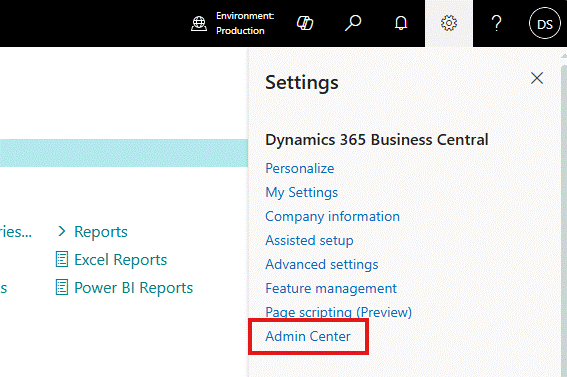
2. Click on the environment where you want to update the app: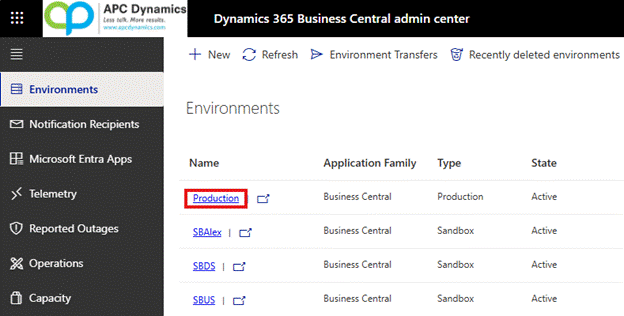
3. Click on Apps on the upper left corner: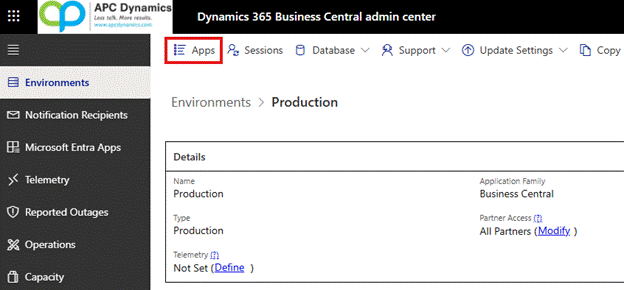
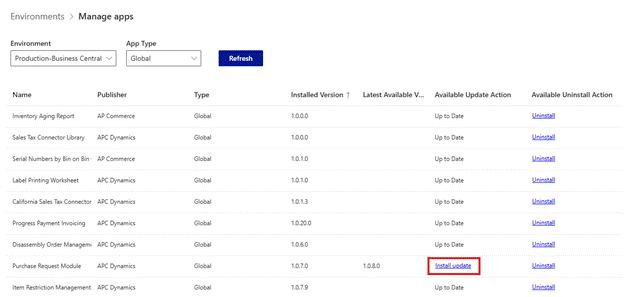
4. Find the app you need to update and click on the Install Update: