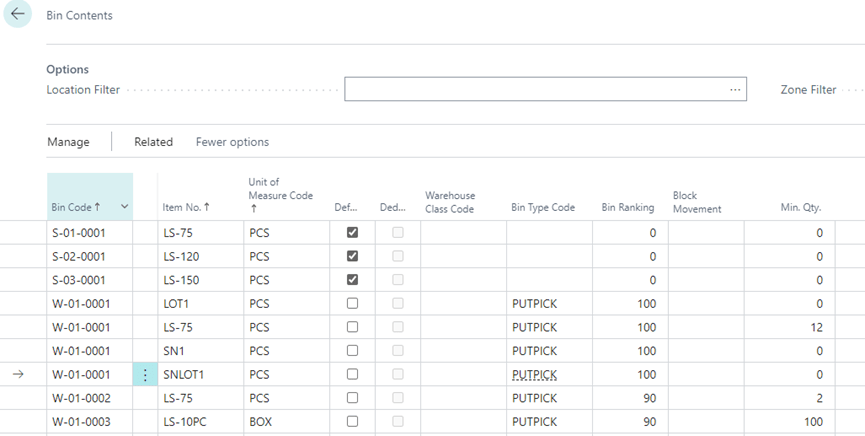
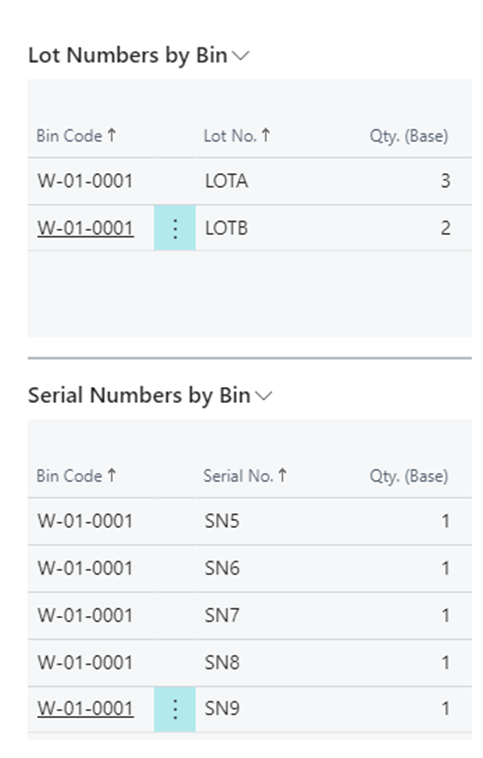
Overview and Setup
The Serial Number by Bin in Bin Content app is installed per company. To enable and initialize the app, use the Assisted Setup Wizard.
Setup the Display Serial Number by Bin in Bin Content App
- On the Bin Contents page, choose the Settings icon, and then Personalize.
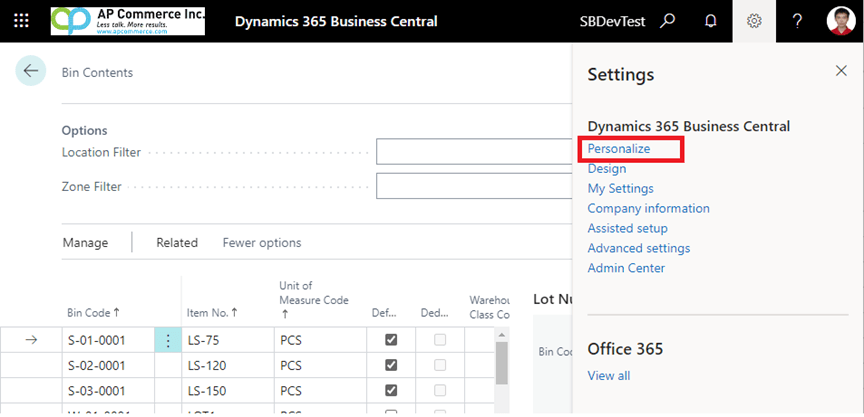
- The Personalize banner will now appear.

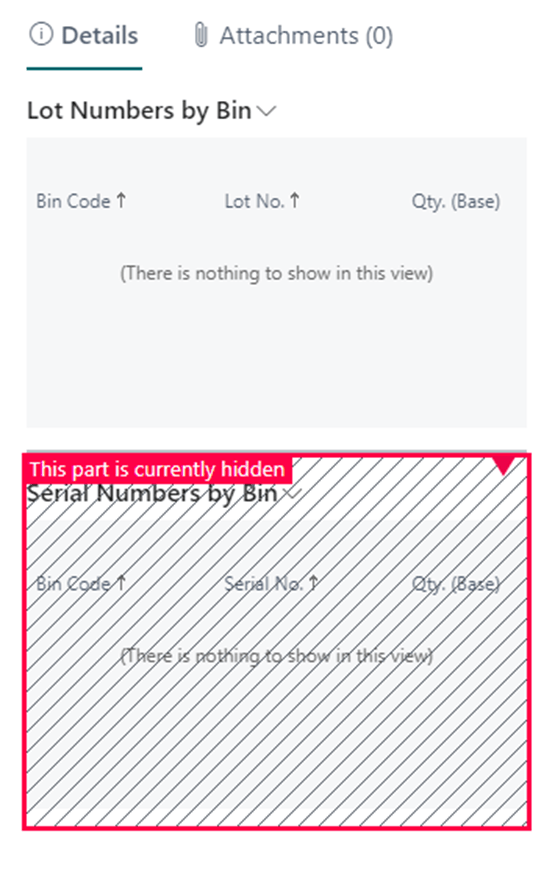
- Click on the Serial Number by Bin factbox and select “Show”
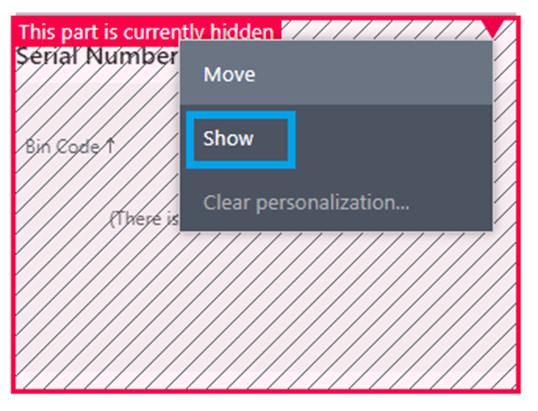
- Click “Done” on the Personalize banner to save the Personalize setting.

- You can select the Item and look at the serial numbers that are within a bin now